
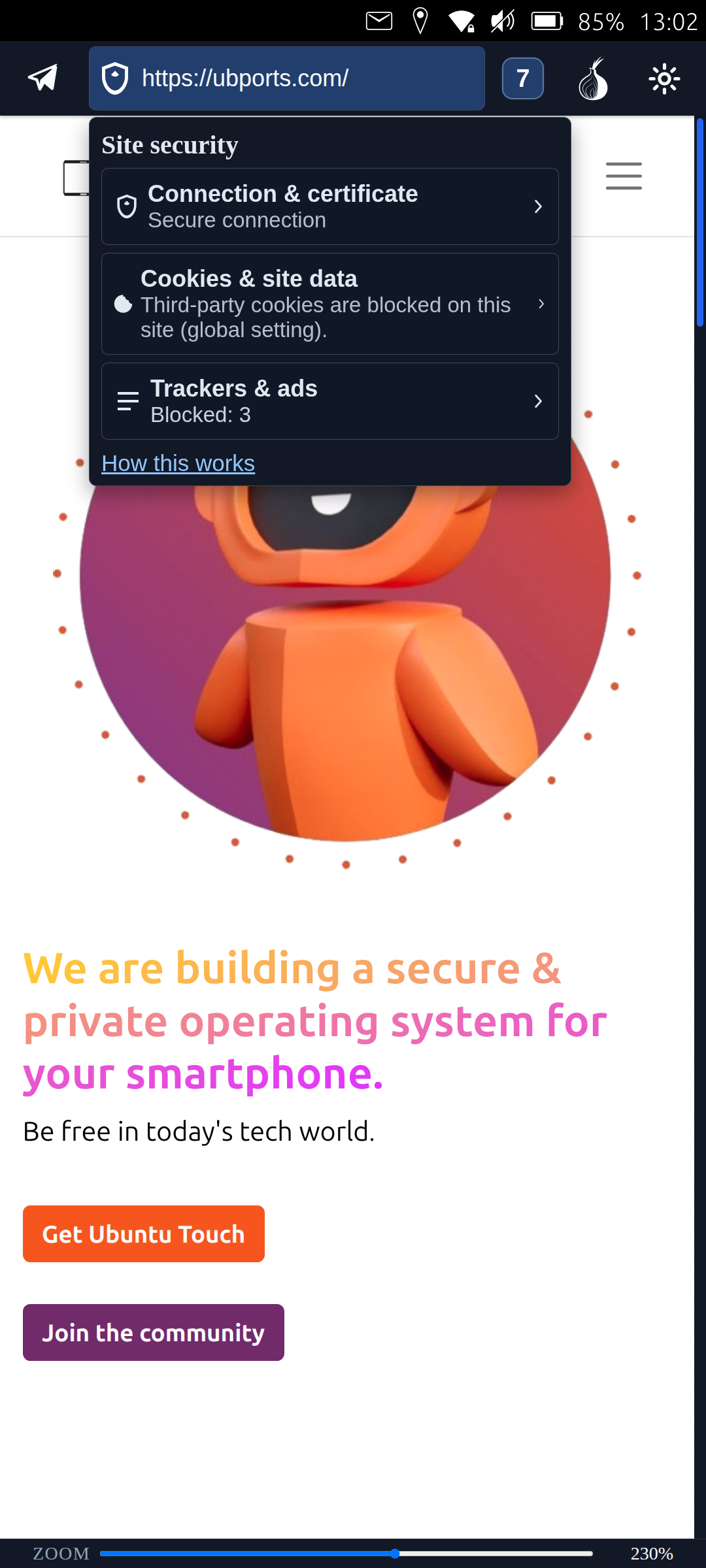
Site security panel
Quickly check certificates, permissions, and privacy details without clutter.
Lightweight, privacy-friendly, and tuned for Lomiri. Built to feel at home on phones while scaling smoothly when you dock or cast.
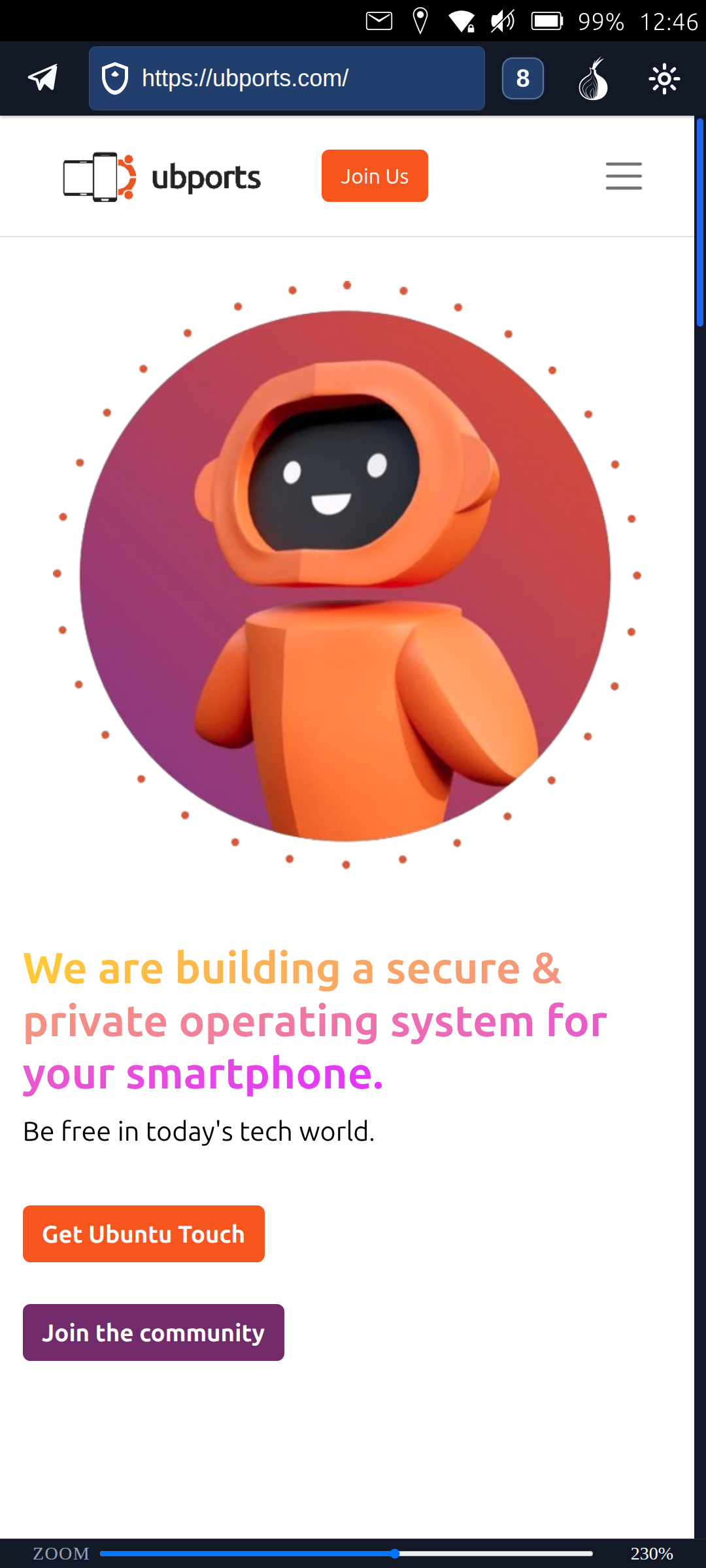
Mobile view
Highlights
A compact UI that keeps controls close and unobtrusive. Screenshots below are from the mobile mode.
Quickly check certificates, permissions, and privacy details without clutter.
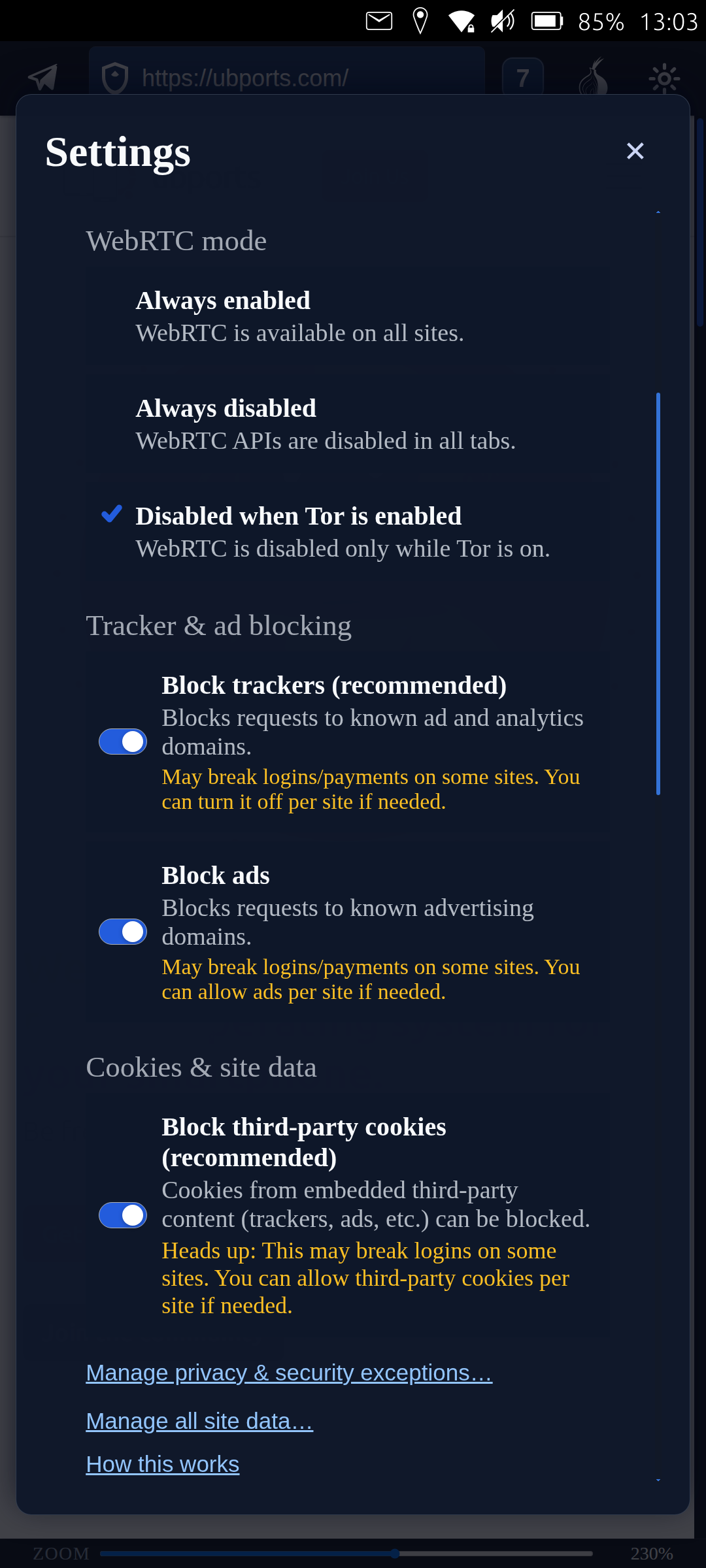
Toggles for blocking, clearing data, and managing trust in one place.
Lightweight navigation that stays comfortable on touch screens.
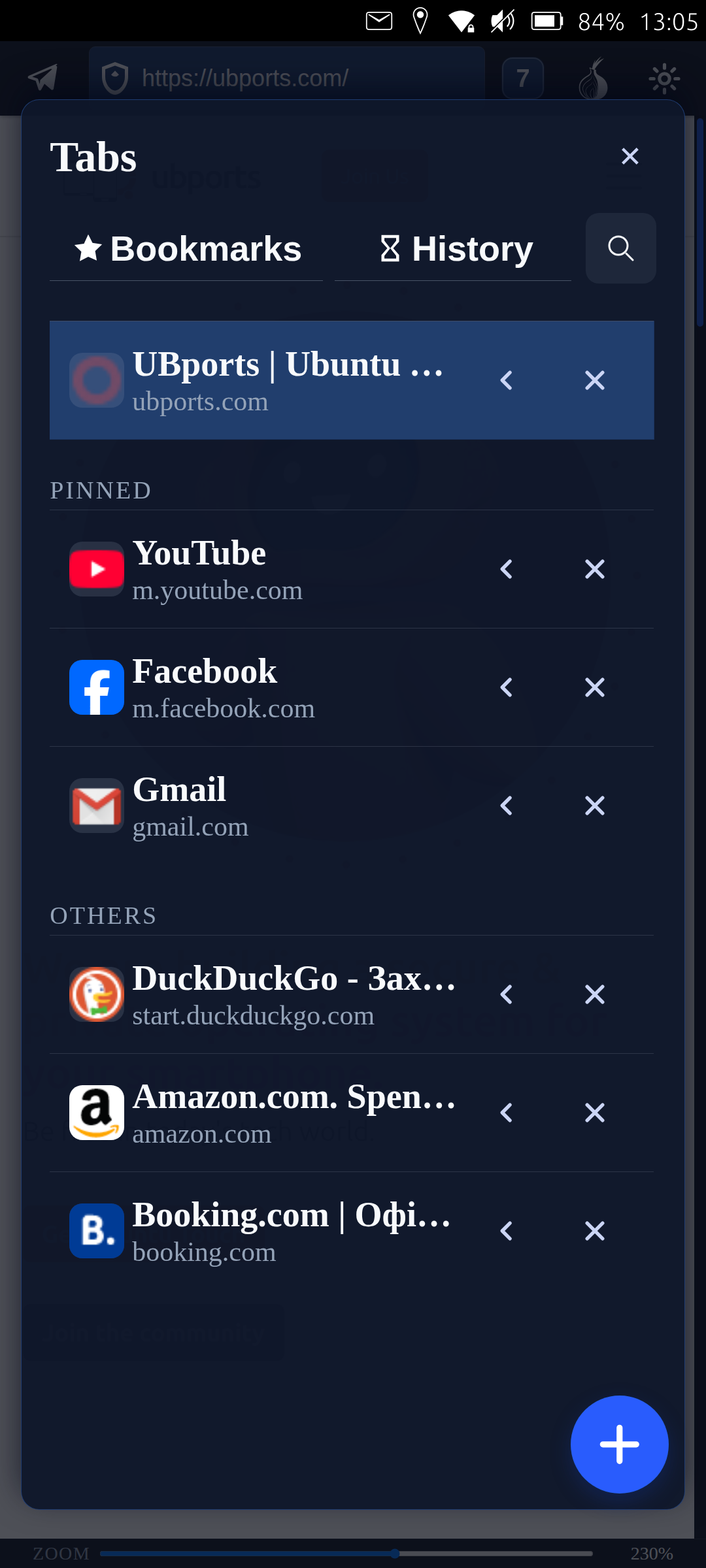

Optional connection layer via Tor; not the official Tor Browser. Use with care if you rely on Tor for sensitive activity.
Tab search
Search across open tabs so you can jump without hunting.
Password manager with master password
Local vault protected by a master password before autofill.
Third-party cookies controls
Global default with room for site-specific exceptions when needed.
Tracker & ads blocking
Built-in lists with per-site exceptions for pages that misbehave.
Tor storage isolation
Tor uses a separate storage partition, so cookies and site data do not mix with regular browsing.
Secure DNS (DoH) switcher
Secure DNS (DNS-over-HTTPS) switcher with multiple providers and a custom endpoint. Automatically disables while Tor is on to avoid DNS leaks outside Tor.
Multiple interface languages
English, Ukrainian, French, German, Polish, Dutch, Spanish, Italian, Norwegian
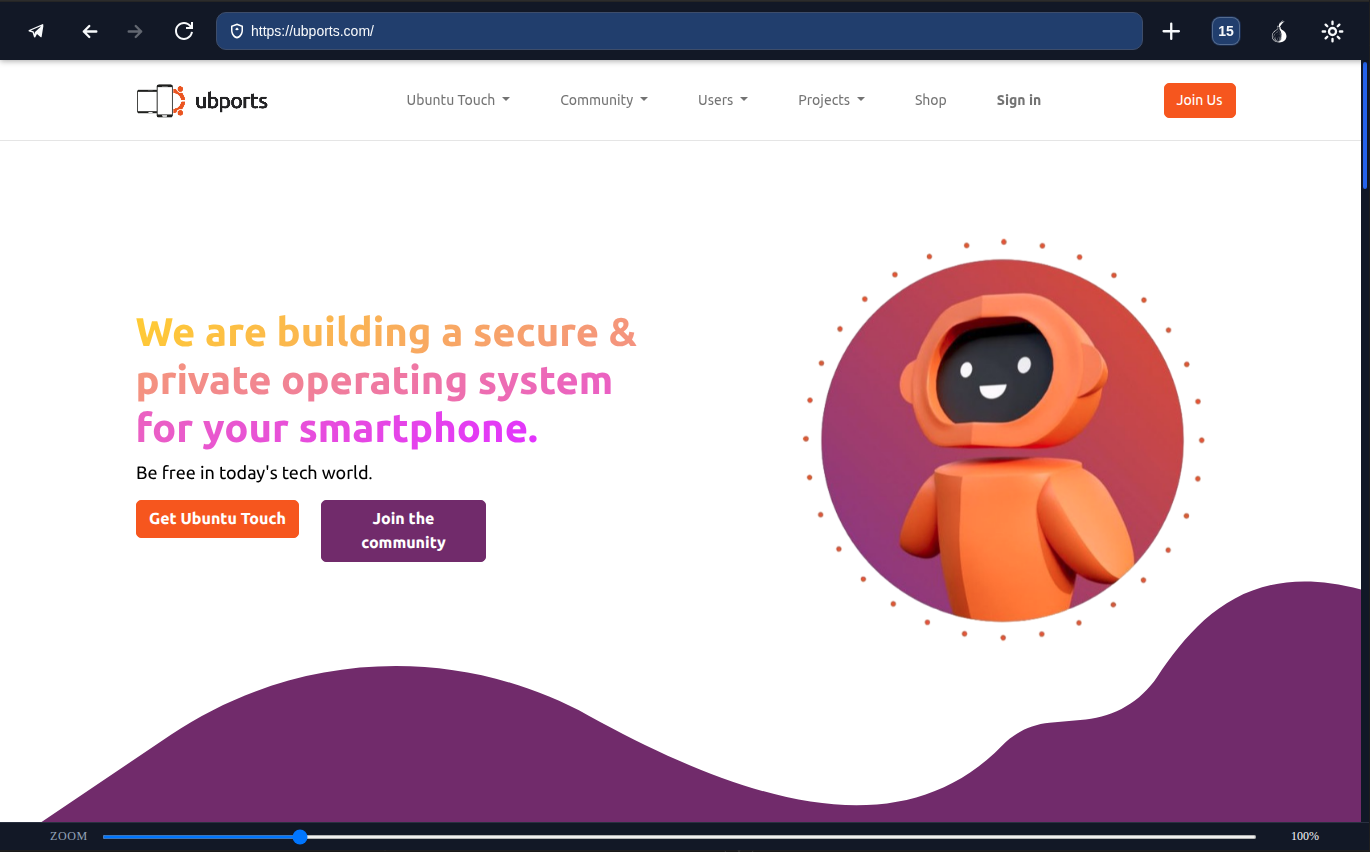
Convergence
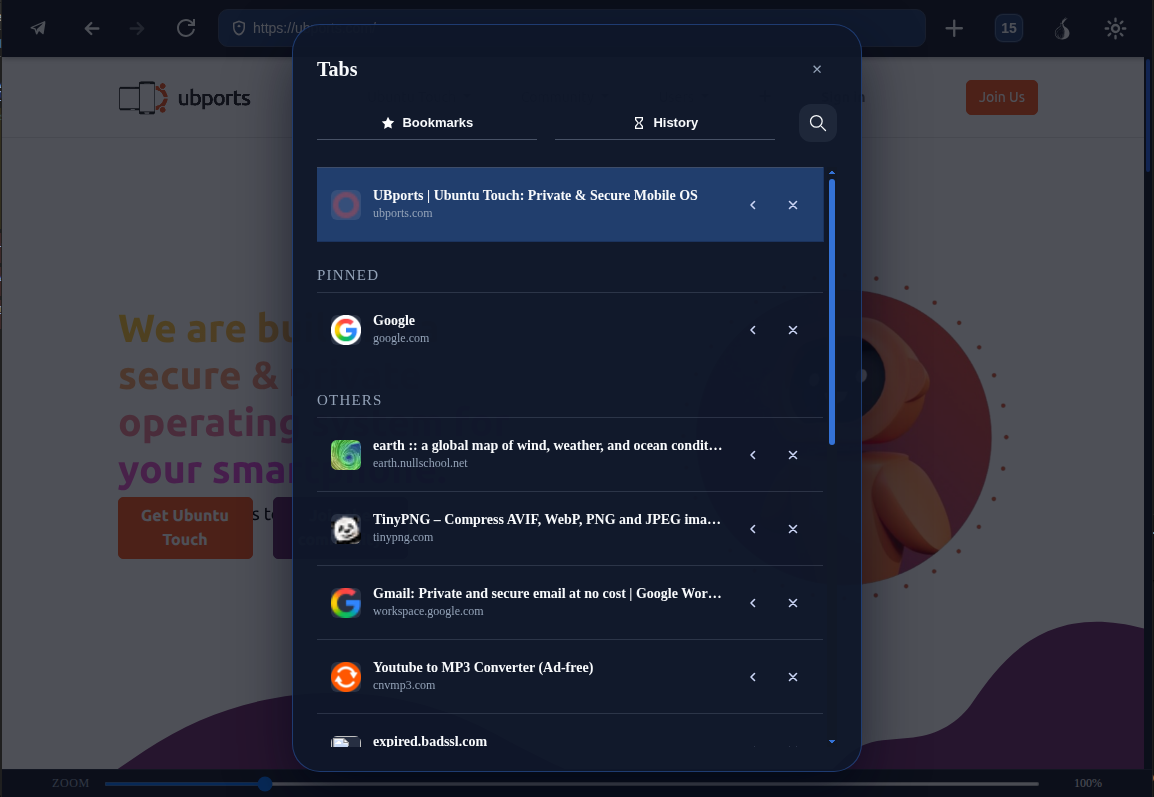
Desktop / Convergence mode
Ubuntu Touch
If you used Ubuntu Touch years ago, the current 24.04-based releases feel noticeably more mature — and Merezhyvo is built specifically for that environment.
Status
Feedback welcome. Help shape the next iterations for Merezhyvo.